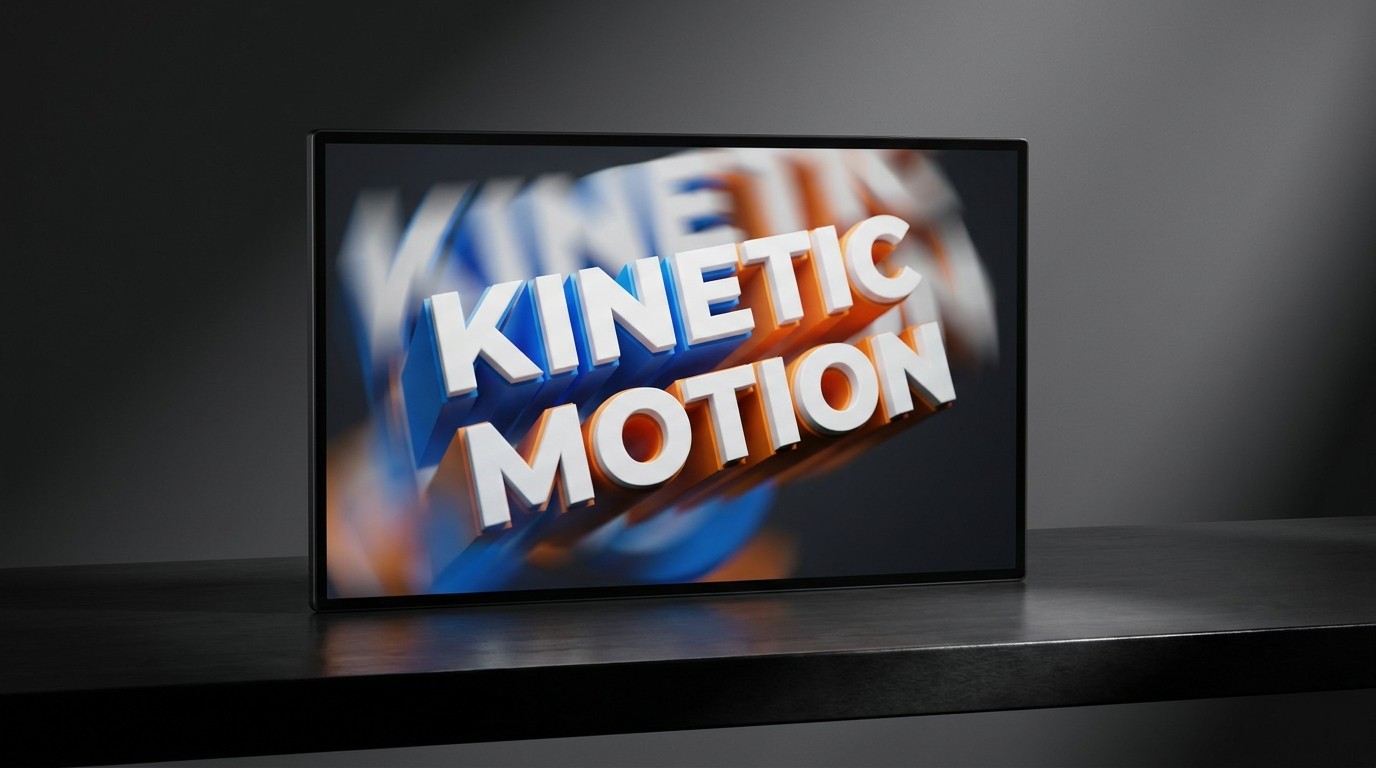
If you are creating video content for social media—whether it's a promotional reel, an educational TikTok, or a brand anthem—and you are simply slapping static, center-aligned text onto the screen, you are failing to capture attention.
In a medium defined by motion, static text is a jarring interruption. It asks the viewer to stop watching the video and start reading a book.
Enter Kinetic Typography.
Kinetic typography is the art of moving text. It’s not just about making words slide onto the screen; it’s about using motion, rhythm, and scale to express emotion and amplify the underlying message of the audio. When done correctly, the text becomes a character in the video, rather than just a subtitle.
Why Kinetic Typography is Essential
Retention Without Sound: Up to 85% of social video is watched on mute. Kinetic typography ensures your message is delivered forcefully and engagingly without relying on voiceover.
Emotional Amplification: How a word moves changes its meaning. A word that violently shakes communicates anger or urgency; a word that slowly drifts into focus communicates calm or nostalgia.
Visual Pacing: Fast-cut edits paired with rapidly changing text match the high-dopamine pacing of modern social feeds, preventing the viewer's thumb from scrolling away.
Key Techniques for Moving Type
You don't need to be a master animator in After Effects to start using kinetic typography. Here are three accessible techniques that instantly elevate your content.
1. The Rhythmic Reveal (Sync to the Beat)
The most fundamental rule of kinetic type is that it must sync with the audio—either the music's beat or the speaker's cadence.
Instead of having a whole sentence fade in at once, reveal the words sequentially, perfectly timed to the speaker's emphasis. If the speaker hits a word hard, scale that specific word up quickly. This creates a deeply satisfying, almost hypnotic viewing experience.
2. The Brutalist Stretch
A massive trend right now is treating type as an elastic, physical object.
Using variable fonts or distortion tools, designers are stretching words horizontally to fill the entire width of the screen, or vertically to create towering pillars of text.
When to use it: For high-energy promo videos or streetwear/music brands. It’s loud, aggressive, and impossible to ignore.
The constraint: Readability drops quickly. Use this technique for short, impactful words (e.g., "HUSTLE," "NOW," "DROP"), not full sentences.
3. The Continuous Loop
Instead of animating text in and then animating it out, create a continuous, scrolling loop.
Think of a stock ticker or the LED display on a building. Having a key phrase slowly scrolling horizontally across the top or bottom of your video provides a persistent message while the main visual action happens in the center of the frame.
Tools of the Trade
Historically, complex kinetic typography required deep knowledge of Adobe After Effects. While AE remains the industry standard, new tools have democratized the process:
Tool | Best For | Learning Curve |
|---|---|---|
After Effects | Complex, bespoke animations. Full control over physics and easing. | Steep. Requires dedicated learning. |
Premiere Pro | Good text-based animation presets, excellent for longer video projects. | Moderate. |
CapCut / TikTok Native | Rapid social content. Built-in rhythmic text templates. | Very Low. Anyone can use it. |
Cavalry / Jitter | Browser-based or standalone apps specifically focused on quick, trendy motion graphics. | Low to Moderate. |
The Golden Rule: Legibility First
The biggest mistake eager designers make is prioritizing "cool motion" over "actual reading." If your text is spinning, flipping, and changing colors so fast that the user has to rewatch the video three times just to read the sentence, you've failed.
Hold Time: Once a word finishes its entrance animation, it must hold completely still for a fraction of a second so the brain can register it.
Contrast: Moving text requires even higher contrast than static text. Ensure it pops cleanly against the moving video background (using drop shadows or darkened overlays if necessary).
Kinetic typography is the bridge between graphic design and filmmaking. By giving your words rhythm and movement, you transform passive reading into a dynamic, unforgettable visual experience.