Creating High-Converting Digital Workbooks: A Designer’s Guide to PDF Products
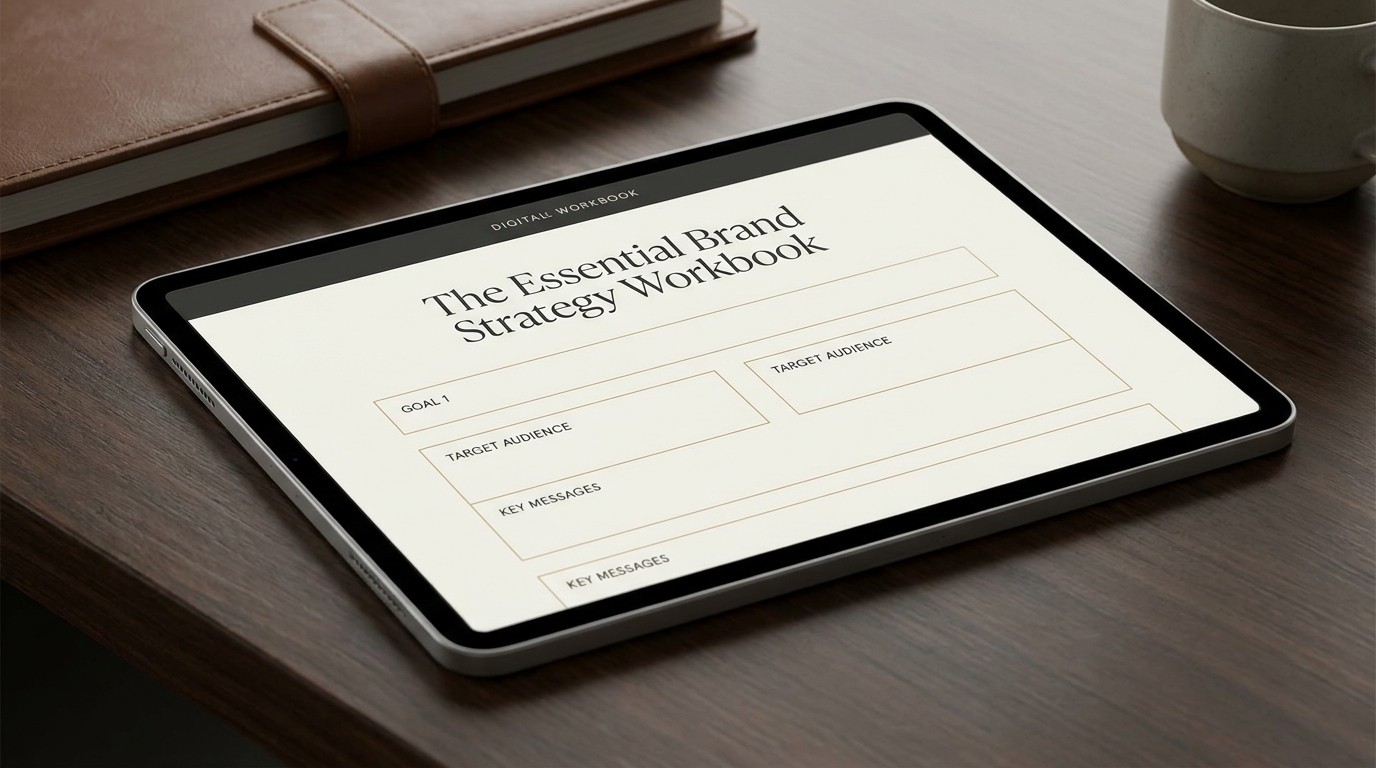
If you are a creator or coach selling a digital guide, and it looks like a standard Microsoft Word document saved as a PDF, you are leaving money on the table.
Consumers are increasingly sophisticated. They don't just buy information anymore; they buy the experience of consuming that information. A well-designed digital workbook doesn't just look pretty—it fundamentally increases the perceived value of your product, reduces refund requests, and drastically improves the completion rate of your students.
To create a high-converting digital workbook, you must move beyond basic text formatting and start treating your PDF like an interactive digital product.
The Core Principles of Workbook Design
Designing for a digital workbook is a hybrid discipline. It requires the typographic rigor of print design combined with the interactive mindset of UX design.
1. Landscape Orientation is the New Standard
For years, workbooks were designed in portrait mode (A4 or US Letter) because they were intended to be printed. Today, over 80% of digital workbooks are consumed on screens—primarily laptops and tablets.
Design your workbooks in landscape orientation (e.g., 1920x1080px). This format perfectly fills a modern screen, eliminating the need for the user to constantly scroll up and down just to read a single page. It provides a cinematic, presentation-style experience that feels inherently more premium than a vertical document.
2. Master Pacing and White Space
The biggest mistake creators make is trying to cram too much information onto a single page to reduce the page count. A 10-page document packed with dense, margin-to-margin text feels overwhelming. A 30-page document with ample white space, clear headings, and bite-sized paragraphs feels breezy and manageable.
One Idea Per Page: Limit each page to a single core concept or exercise.
Generous Margins: Leave at least an inch of empty space around the edges of your layout. This gives the content room to breathe.
Visual Breaks: Insert full-page pull quotes or stylized section dividers to give the reader a mental rest.
3. Establish a Strict Typographic Hierarchy
Without a clear hierarchy, your workbook will look chaotic. Establish a strict set of rules for your typography and do not deviate from them.
Element | Recommended Sizing | Font Style |
|---|---|---|
Chapter Titles | 48pt - 72pt | Bold, Expressive Serif or Display |
H2 / Subheadings | 24pt - 36pt | Semi-bold, highly legible Sans-Serif |
Body Copy | 12pt - 16pt | Clean Sans-Serif (e.g., Inter, Roboto) |
Captions/Notes | 10pt | Italicized or secondary color |
4. Interactive Form Fields are Mandatory
If your product is a workbook, the user must be able to do the work digitally. Forcing a user to print a document just to fill in the blanks is a massive point of friction.
Use tools like Adobe Acrobat, InDesign, or even Canva to add interactive, fillable form fields to your PDFs.
Ensure the text boxes are large enough to accommodate realistic answers.
Use subtle background colors (like a very light gray) to clearly indicate where the user is supposed to type.
Include checkboxes and dropdown menus where appropriate to make the experience more interactive.
5. Design for Navigation
A 50-page digital workbook needs a navigation system, just like a website.
Interactive Table of Contents: Hyperlink every item in your Table of Contents directly to the corresponding page.
Sticky Footers/Headers: Include the chapter name and page number on every page.
'Back to Top' Buttons: Consider adding a subtle, hyperlinked icon in the corner of each page that returns the user to the main menu.
Elevating the Perceived Value
Finally, wrap your content in a premium visual shell. Use consistent brand colors, high-quality imagery (not generic stock photos), and custom icons. Include a beautifully designed cover page and a clear, actionable 'Next Steps' conclusion page.
By treating your digital workbook with the same design rigor as you would a website or an app, you transform it from a cheap download into a high-ticket, high-converting digital asset.